Search

Image

Ophthalmic Software Platform

Perfect Workflow
Image

Ophthalmic Software Platform RX

Canon’s extensive Ophthalmic Software Platform RX not only includes a dedicated Capture software for the respective devices, but also features the RX Viewer and the RX Server solutions, and is fully DICOM compatible.

Solutions from stand–alone to complex network configurations

Canon’s Ophthalmic Software Platform provides solutions from a completely stand–alone to configurations where multiple devices are connected to a RX Server. In this way, multiple users can view reports remotely.
Stand-alone

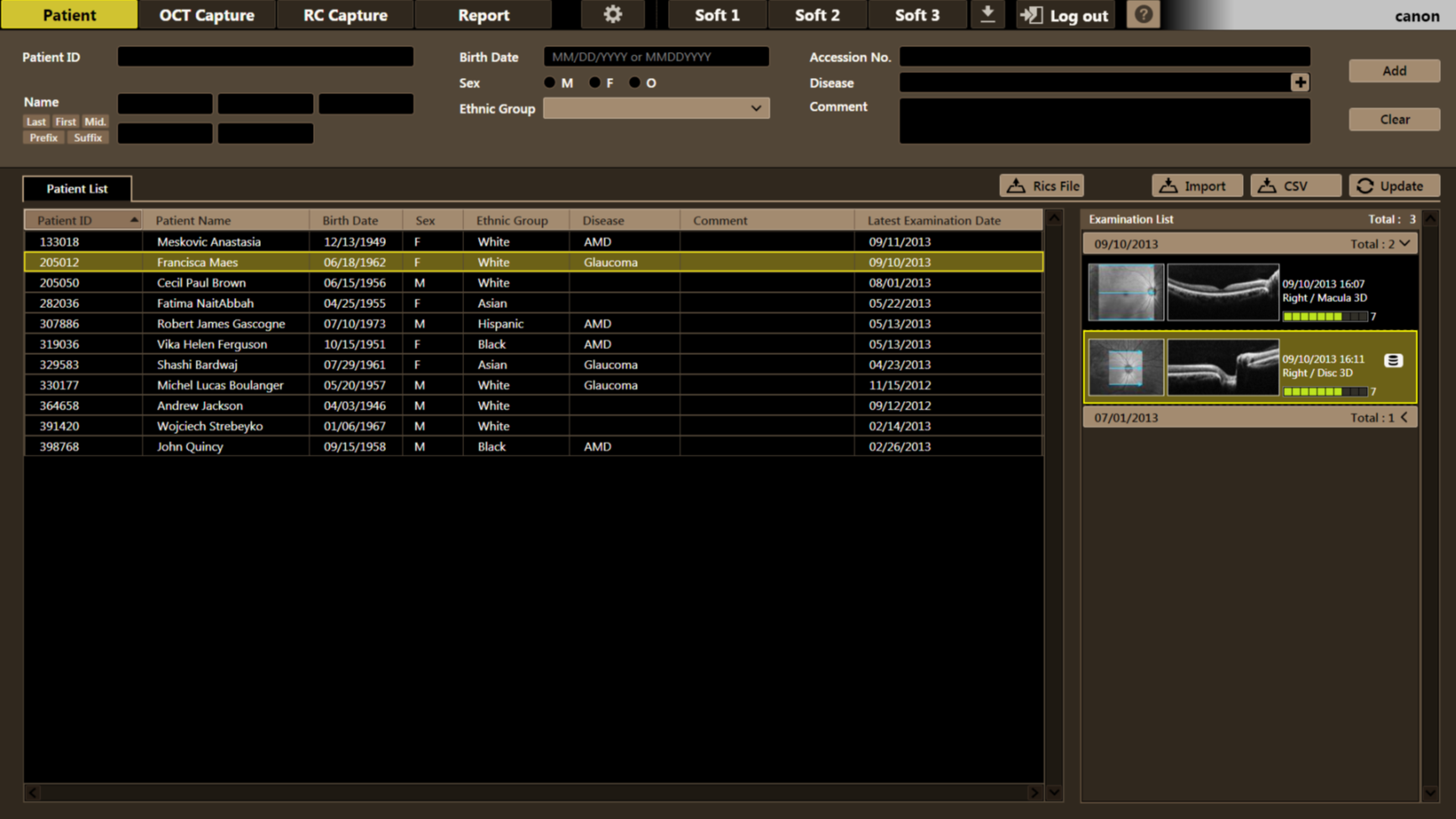
The RX software is fully integrated with the device and enables capture, reviews and reporting in stand-alone mode. It also serves as a database for archiving.

Viewing station

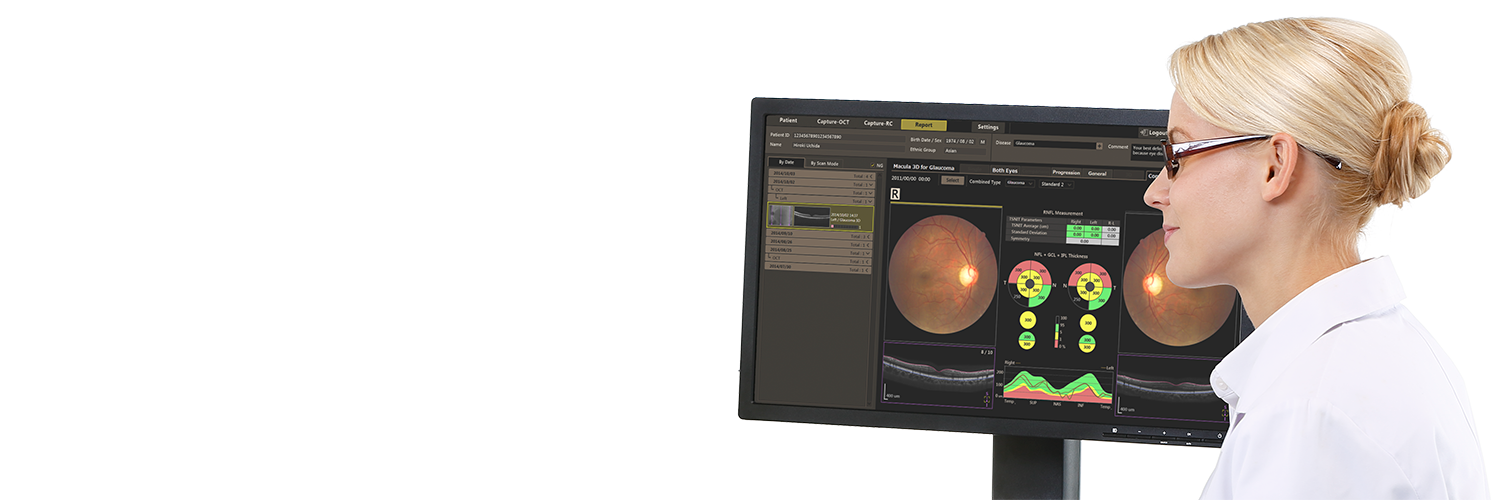
The RX Viewer software allows you to access all patient data for reviewing and reporting from remote locations while the database remains on the systems.

Server solution

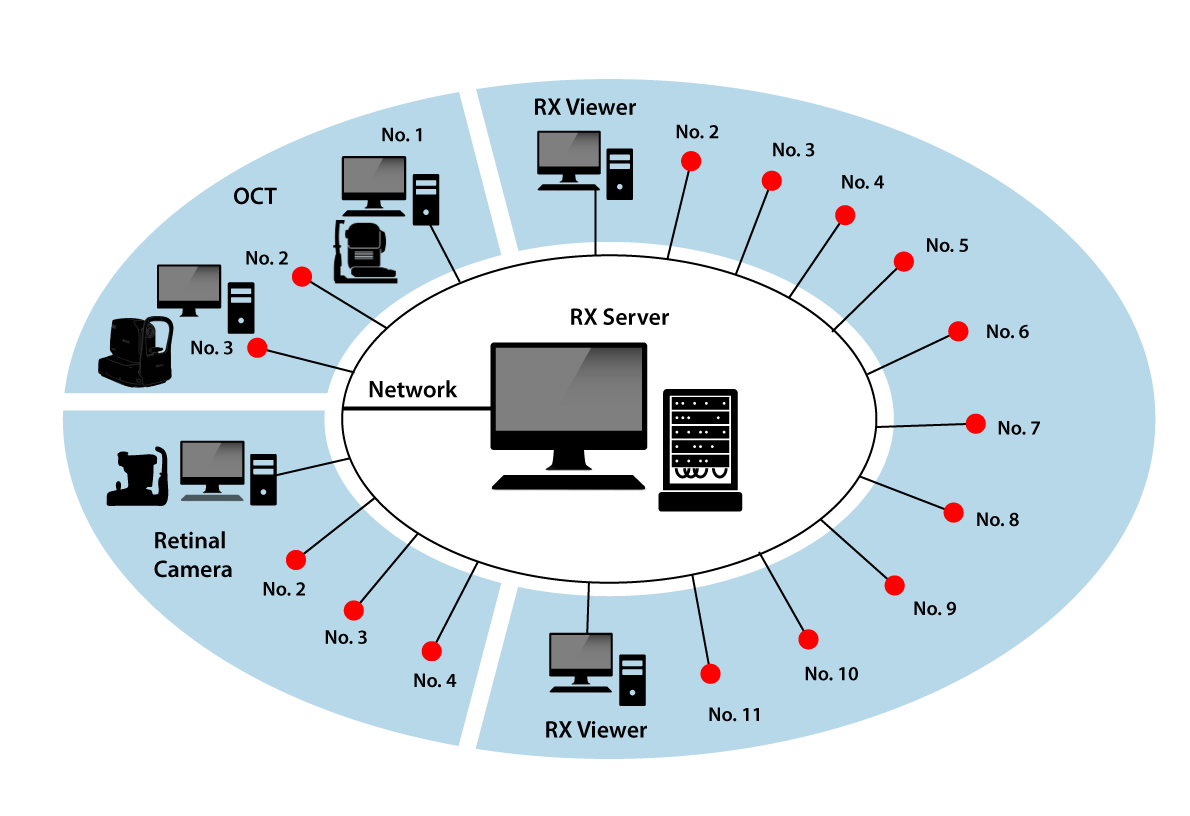
With the RX Server solution you can connect multiple modalities and viewers while storing all images and patient data on a centralized server.

Perfect workflow

It is possible to start the RX Software directly from your EMR Software with a command line interface. The RX Software is designed to automatically open for acquiring an image or viewing a report. This seamless integration will provide a perfect workflow. Alternatively, a patient list can also be imported from your practice management system (as CSV file) or by using a Modality Worklist in a DICOM environment. This will save precious time and prevent typographical errors. 


In addition, the RX software features three pre-set buttons that can directly launch third-party software. It provides seamless integration with other software and contributes to an ideal workflow.

Fully DICOM

As a standard, the RX Software is fully compatible with DICOM. This allows for DICOM storage on a PACS system and the use of DICOM worklists - a patient list from a hospital information system (HIS) or an electronic medical record (EMR). As a result, the workflow is enhanced whilst the data storage is future proof.

GDPR Compliance

With comprehensive anonymization tools, central account and user management, as well as advanced logging capabilities, Canon’s RX software is fully GDPR- compliant. The software protects your patient’s privacy and enables you to properly document your studies.
OCT+ Retinal Camera

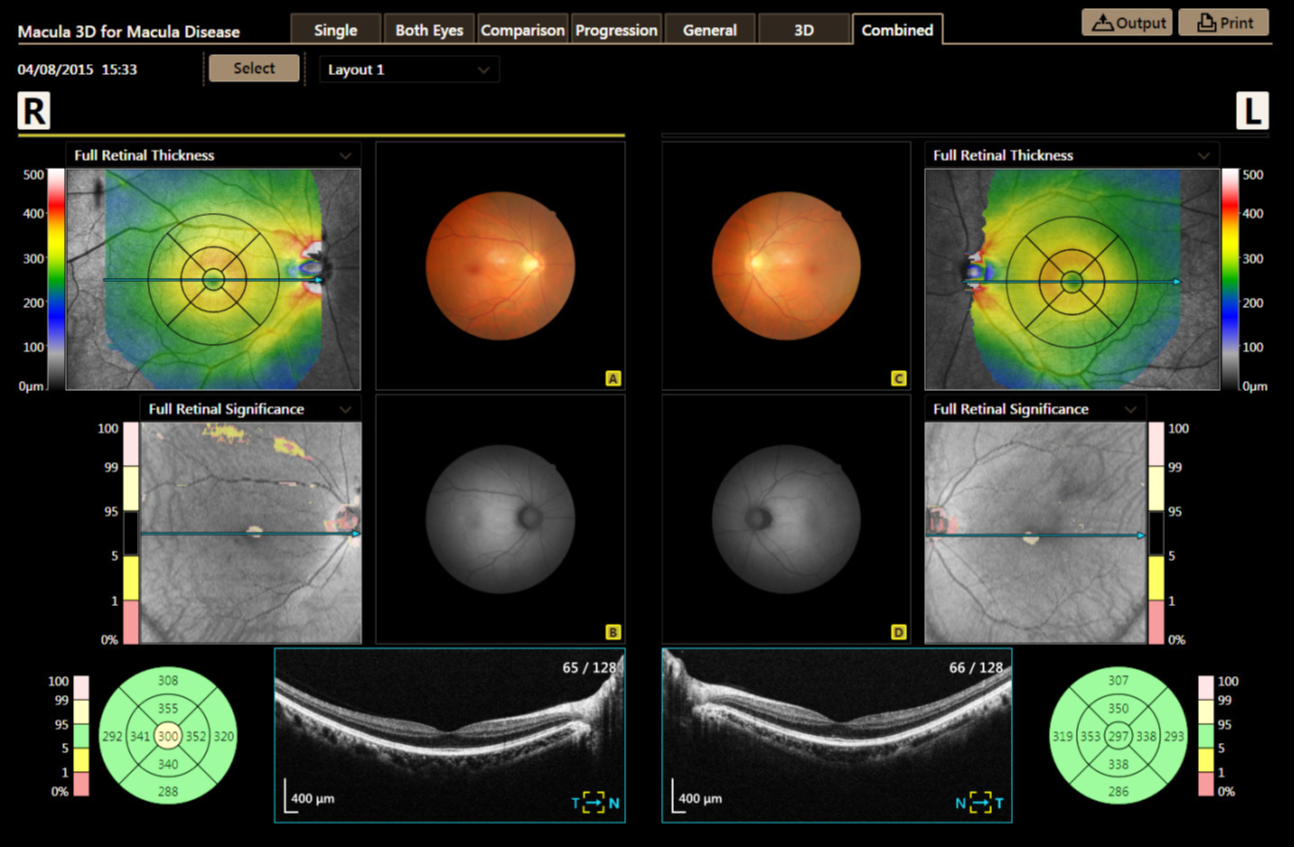
Don’t compromise on workflow and image quality. Operate a Canon retinal camera and OCT from one PC, sharing the same database. The RX software offers combined reporting for this purpose.

Seamless integration

The Ophthalmic Software Platform RX was designed for seamless integration with patient management systems. RX can even be installed in a virtual server environment (e.g Citrix) in the hospital!

Example

The Rotterdam Eye Hospital is an excellent example of the connectivity solutions offered by Canon Ophthalmic Software Platform. More than 10 Canon devices are used at this hospital, including OCT’s and retinal cameras, which are all connected to a central Canon RX server. In addition, the use of Multiple RX Viewers means studies can be accessed from any consultation room. 


Every device is fully connected to the Patient Management System for a perfect workflow. Furthermore, all images are stored in DICOM format on the hospital’s central PACS system.