

RX Capture Software
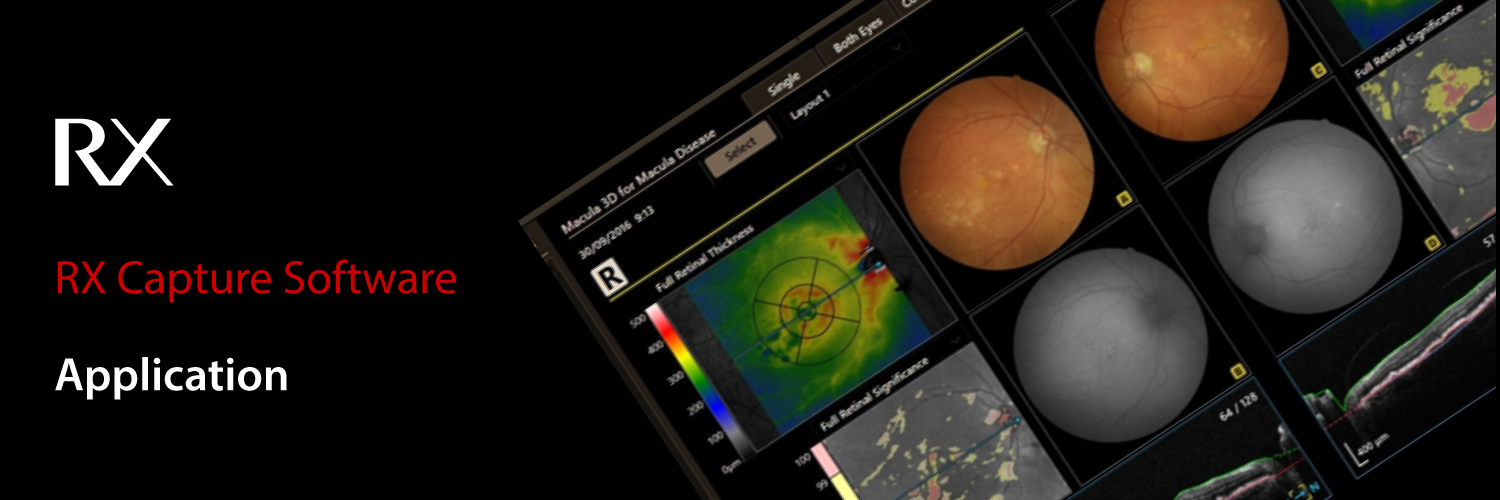
Canon’s Retinal Expert Capture Software allows for easy image acquisition and provides various functions for browsing, processing, printing, saving, and comparing images.
Perfect workflow
The RX Capture software offers you a perfect workflow. It is possible to start the software directly from your EMR Software with a command line interface. With seamless integration for a perfect workflow, the RX Software will automatically open on a patient for image acquisition or when viewing a report.
Patient input
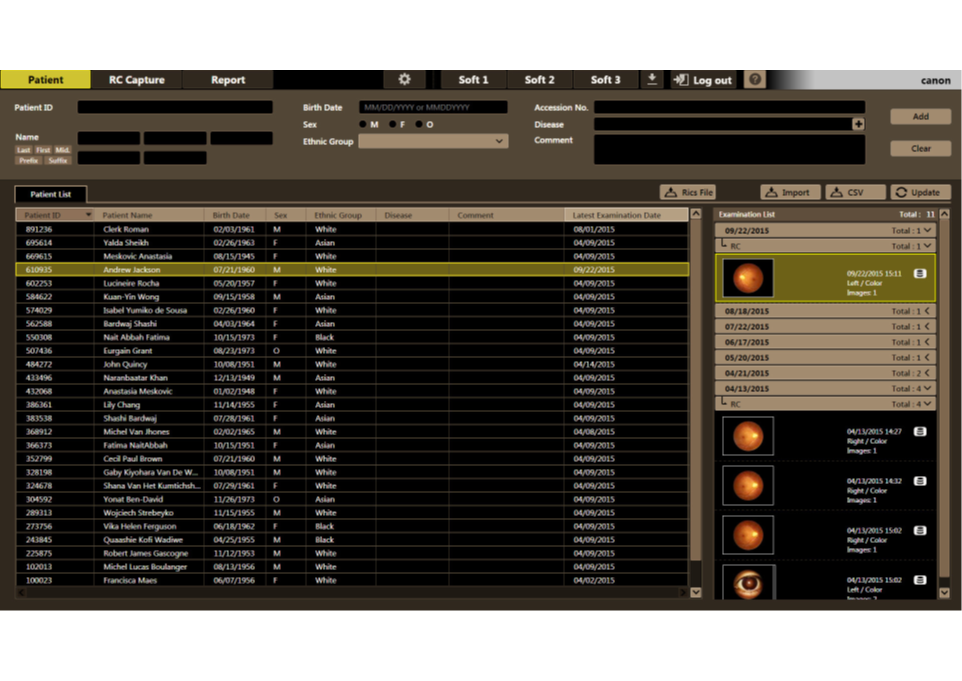
Moreover, the RX Software can increase the efficiency of your workflow by importing a patient list directly from your EMR or by using a DICOM worklist. Patient information can also be entered manually.
Cache functionality
With the cache’s functionality, the RX software can retrieve previous studies much faster to follow up and monitor the progress of a patient's condition. This functionality reduces the waiting time for downloading images when network speed is considerably reduced.
Capture Screen
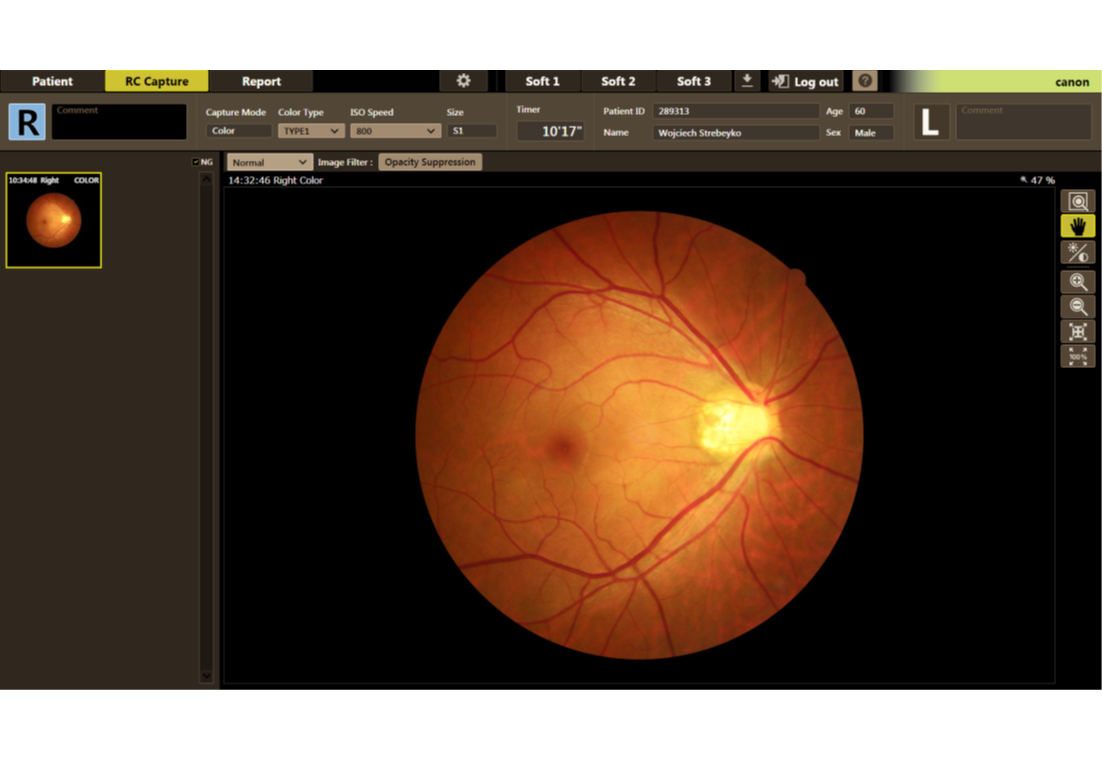
In the capture screen, important settings of the retinal camera can be changed and monitored. Images can be reviewed immediately after capturing.
The capture screen provides a large toolbox with multiple functions, including an Opacity suppression button that largely suppresses the effects of cataracts and other ocular opacities.
Reporting
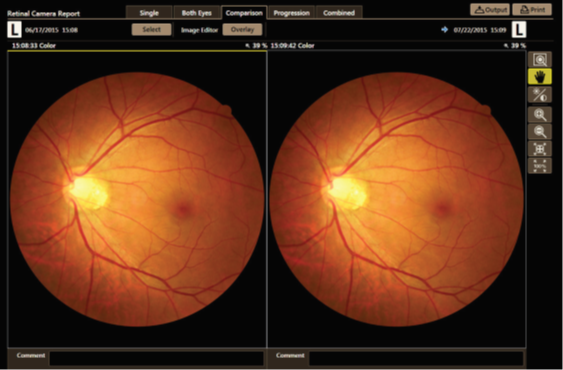
The RX Software offers various reporting possibilities, including reports for single or both eyes, a report to compare the current image with previous studies and a progression report to compare up to five previous images.
The report, as created and displayed on the screen, can be saved as an image file or printed, as required.
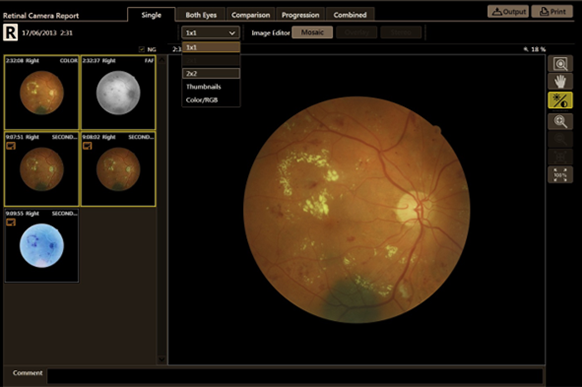
Single eye report
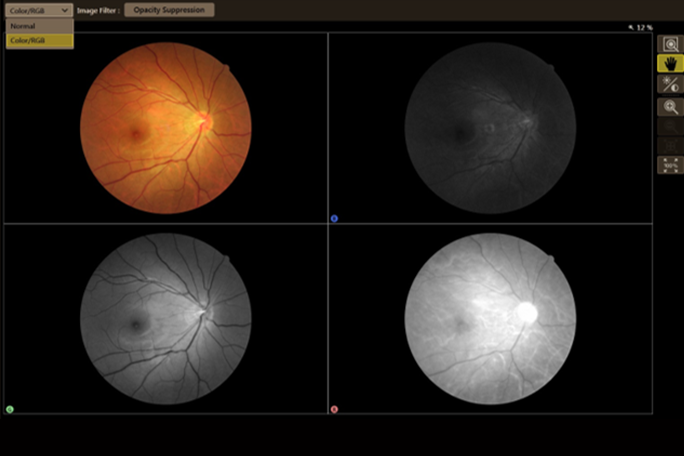
This report offers various ways to display multiple images from the same examination. With the Colour/RGB button, the colour image can also be displayed in separate RGB channels.
Stereo
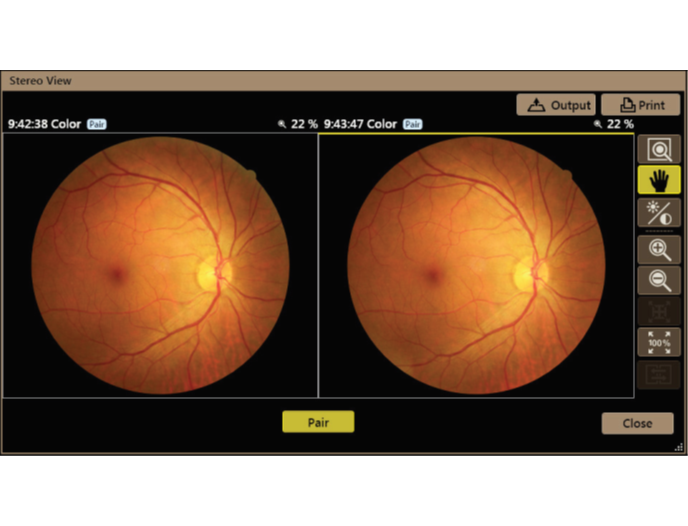
When two images are captured in the same retinal camera mode, at the same size and in the same eye of the patient, these images can be aligned in the RX software and then registered as a pair of stereo images. A standard commercial stereo viewer can be used to examine each image.
Mosaic
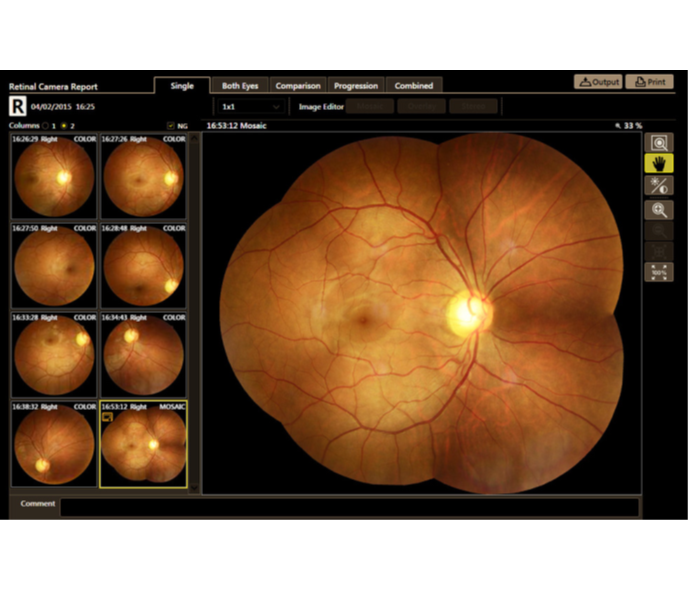
Utilizing optional Mosaic software, up to 20 images can automatically be combined into one high-resolution wide field image (up to 85 degrees).
Both eyes report
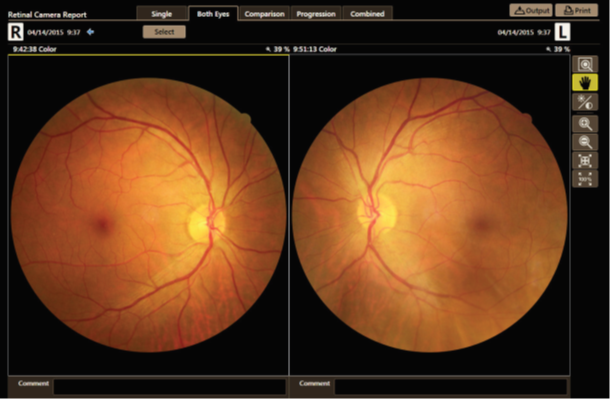
Images of both eyes can be displayed; several tools are available to align and adjust these images.
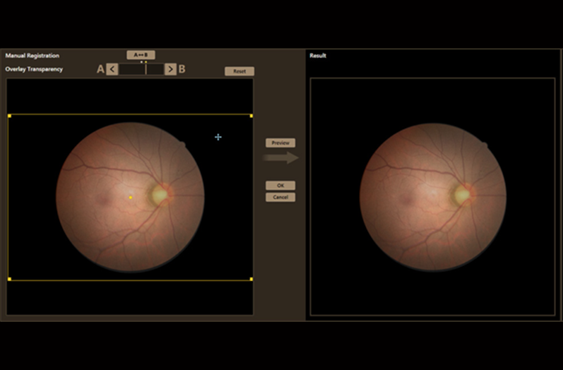
Comparison report
Images of the same side eye with previous studies can be displayed for comparison. With the overlay functions, changes of the retina over time can also be observed more clearly.
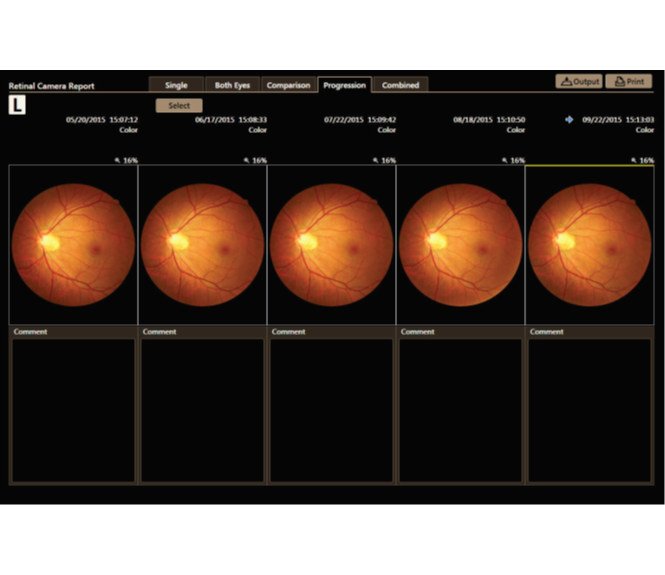
Progression Report
The progression can be observed over time. For comparison, up to five past examinations may be selected.
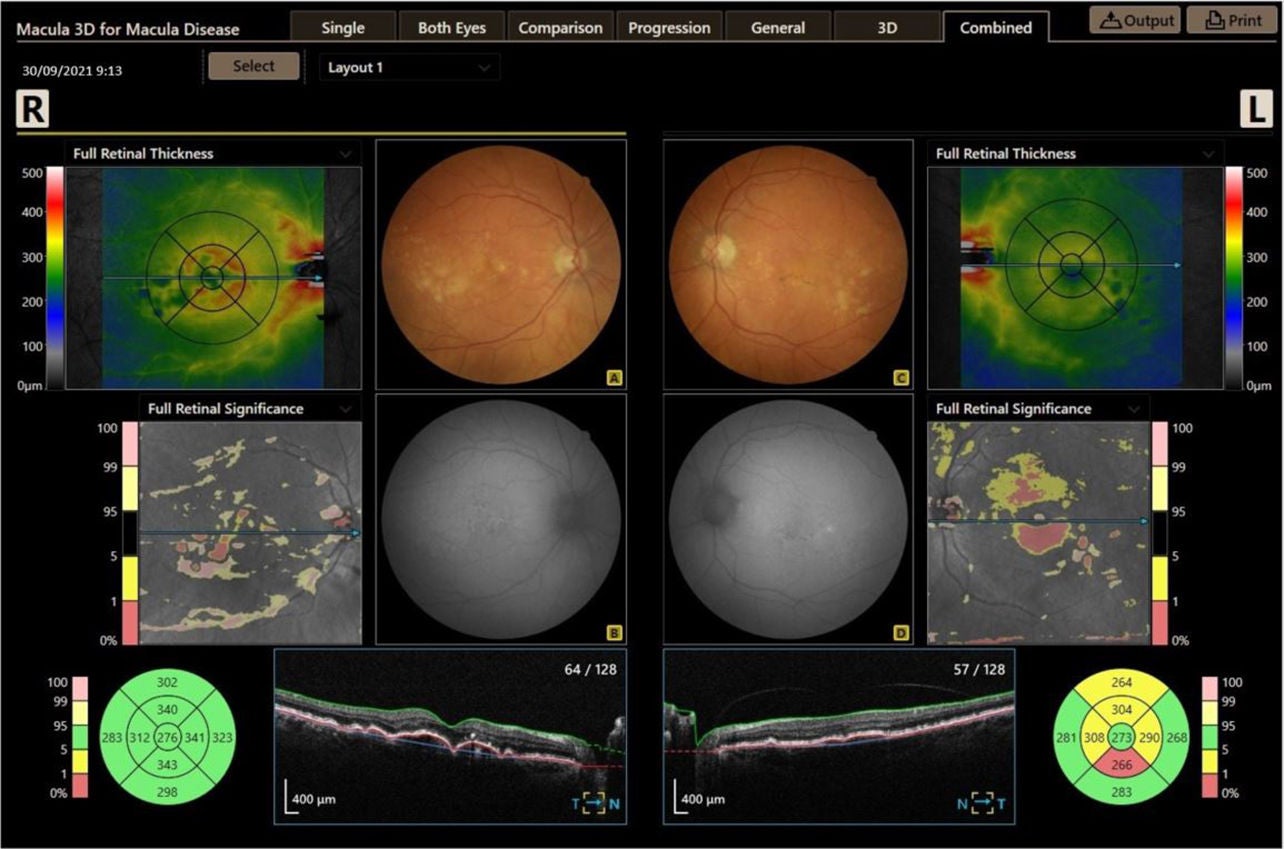
Combined report
The RX Software offers the possibility to operate the retinal camera and a Canon OCT from one PC, sharing the same database. The combined report shows the analysis results of the retinal images accompanied with OCT images.
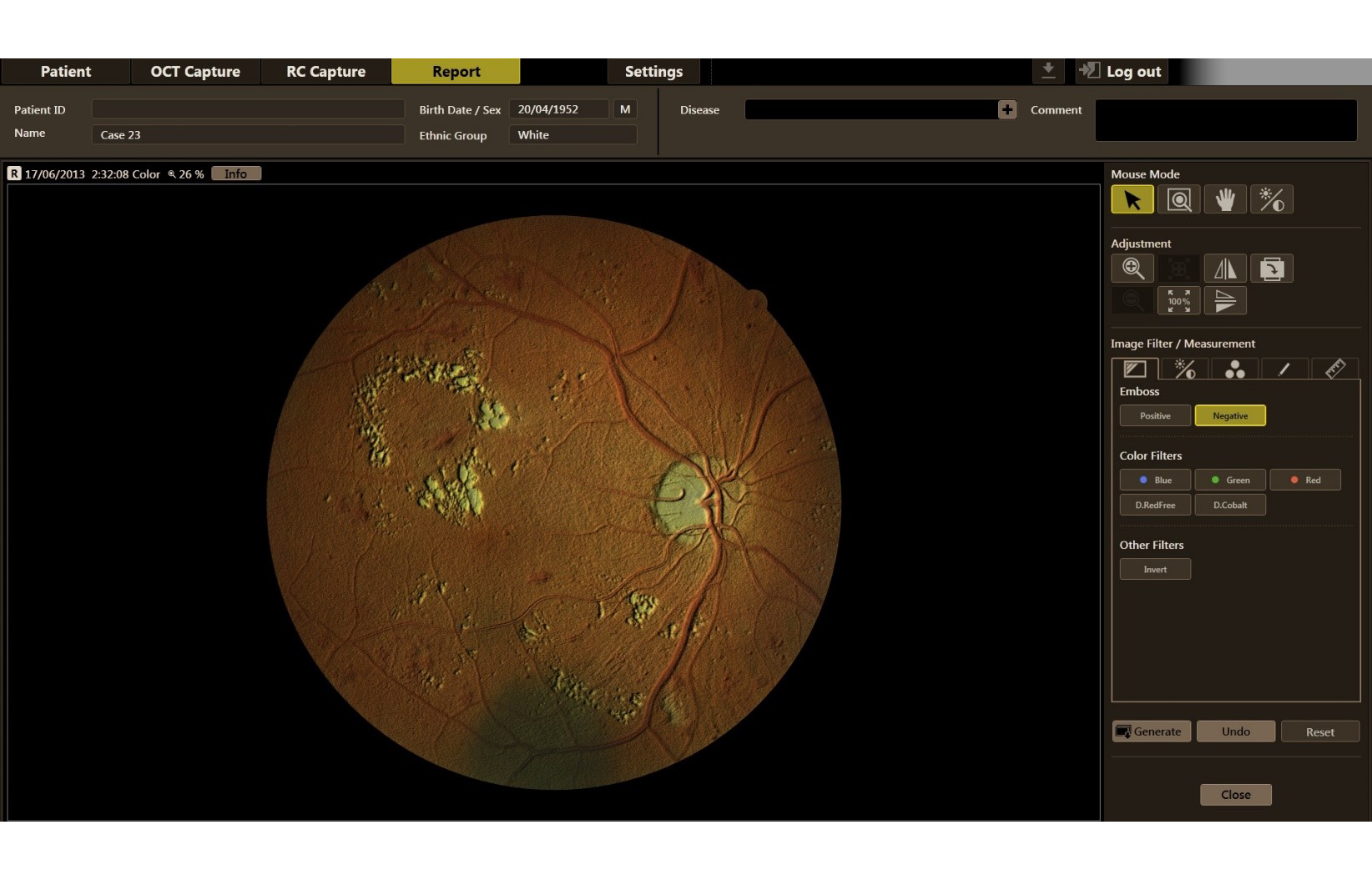
Image adjustment, filters and tools
The RX Software offers an impressive arsenal of tools to assist your diagnosis, as well as create a clear and comprehensive report.
Users can utilize the emboss function on a retinal image, change its gamma value, adjust its brightness and contrast, change its colour balance, add annotations to it, and analyze its C/D ratio.
Images can also be rotated, flipped and mirrored.
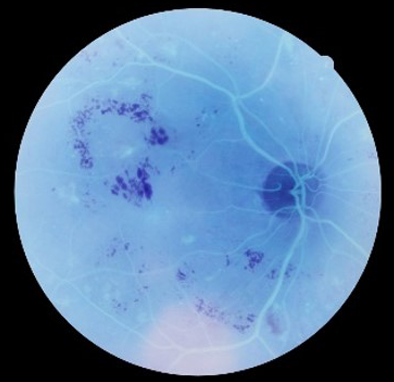
Invert
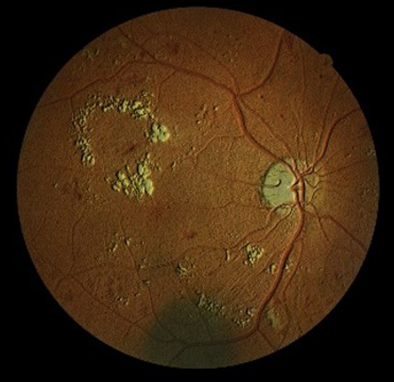
Emboss
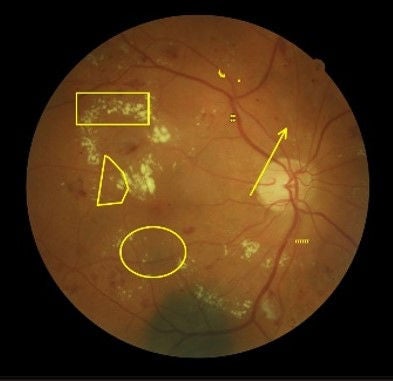
Annotations
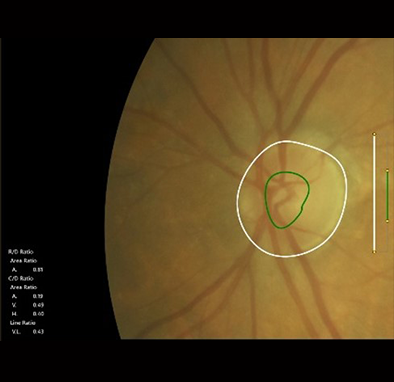
Cup/disc
Social Media


